Yondo Screen Sharing: Share Your Screen During Video Calls and Webinars
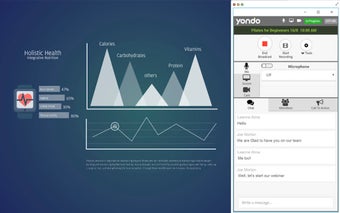
Yondo Screen Sharing is a Chrome extension that allows users of the Yondo platform to share their screen during live video calls and webinars. With this extension, users can easily show any content to their audience, whether it's their entire screen or just a single window.
The screen sharing functionality is available for both 1-to-1 live video sessions and webinars on Yondo. Users have the flexibility to choose what they want to share, making it easier to present information or demonstrate a product during online sessions.
To enable screen sharing in Yondo on Google Chrome, users are required to download and install this extension. By doing so, Google Chrome will allow the sharing of screens seamlessly.
If you are hosting online sessions on Yondo and want your customers to be able to share their screens as well, make sure to inform them about this extension. They will need to install it before the session to avoid any disruptions during your Yondo Live 1-to-1 calls and webinars.